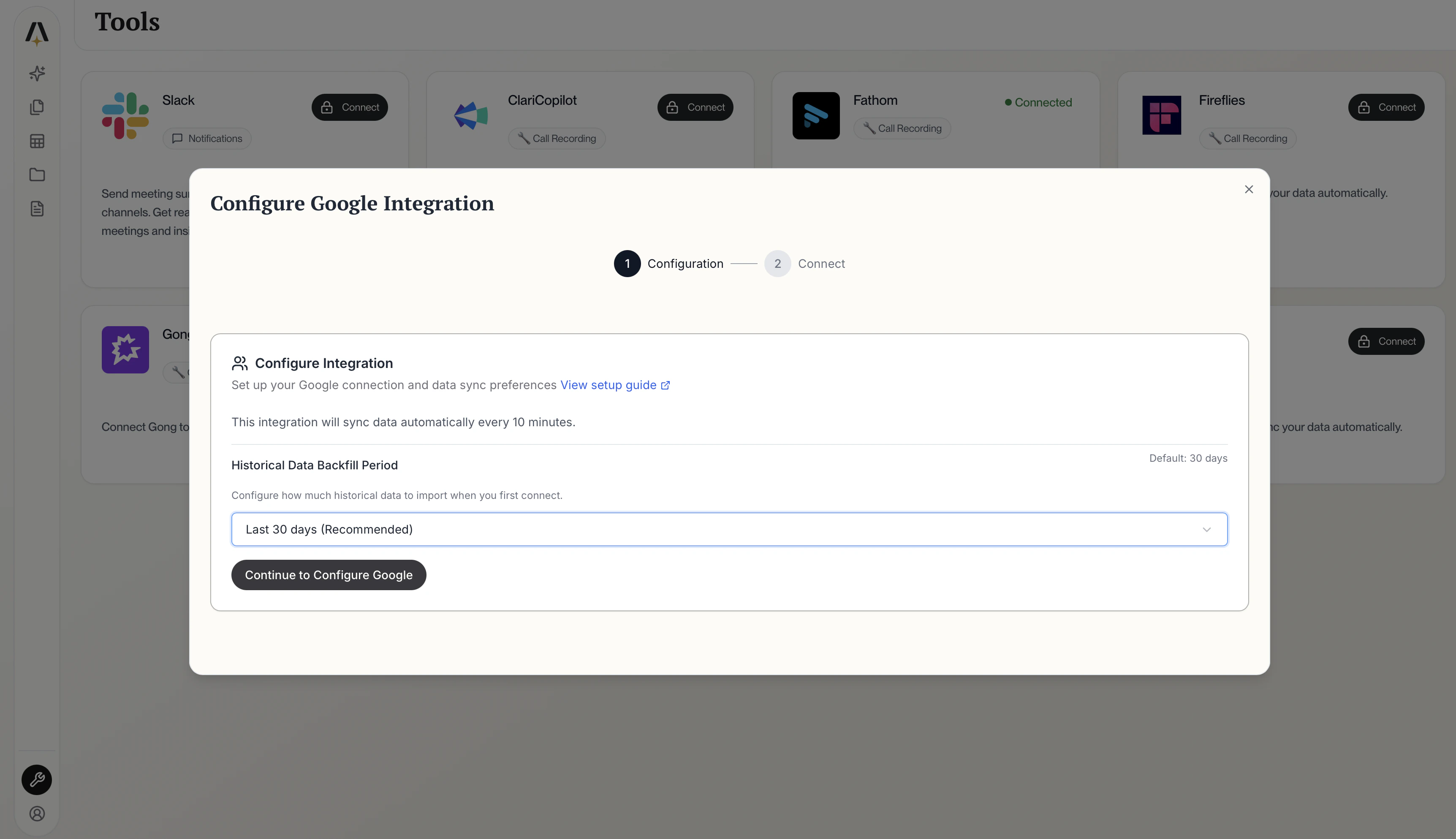
Connect your Google account to AmpUp to automatically pull in your Google Calendar meetings. AmpUp uses this data to provide context-aware coaching based on your actual meetings.
Go to the Google tile on the AmpUp Tools page and click Install Integration.
Install Google Integration
2
Authorize with Google
Click Connect your Google account. You’ll be redirected to Google’s sign-in page.Sign in with your Google account and click Allow to grant AmpUp access to your meetings.
Once authorized, AmpUp will start fetching your meetings automatically.