

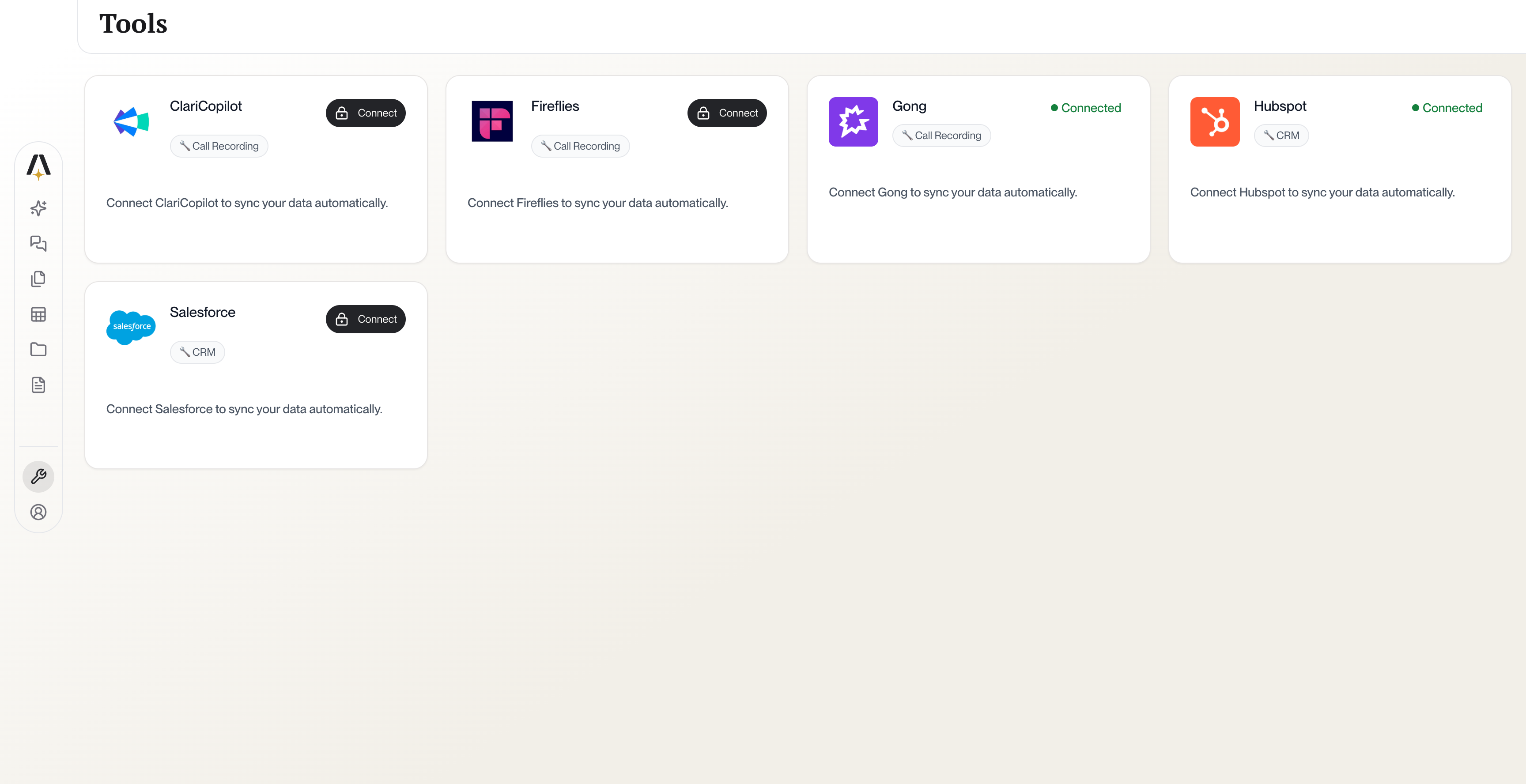
AmpUp Integrations Dashboard
Available Integrations
CRM Platforms
Salesforce
Sync accounts, contacts, opportunities, and activity data. Automatically log coaching insights back to Salesforce.
HubSpot
Connect your HubSpot CRM to sync deals, contacts, and companies with AmpUp.
Microsoft Dynamics 365
Sync accounts, opportunities, meetings, emails, tasks, and notes from Dynamics 365 CRM with AmpUp.
Conversation Intelligence
Gong
Import call recordings and transcripts from Gong for AI analysis and coaching.
Clari Copilot
Connect Clari Copilot to analyze your sales conversations.
Fathom
Connect Fathom’s AI meeting assistant to import recordings and summaries.
Fireflies
Connect Fireflies.ai to import transcripts, summaries, and analytics.
Salesloft
Import call recordings and conversation intelligence data from Salesloft.
Avoma
Connect Avoma to import meeting recordings, transcripts, and AI notes.
Chorus (ZoomInfo)
Import call recordings and transcripts from Chorus by ZoomInfo.
Meeting Platforms
Zoom
Capture Zoom meeting recordings and participant information.
Microsoft Teams
Capture Teams meeting recordings, transcripts, and participant data.
Sync Google Calendar meetings and capture meeting context automatically.
How Integrations Work
1
Enter Credentials & Authorize
Click “Connect” and enter your provider credentials (Client ID/Secret for OAuth tools, or API Key for key-based tools). AmpUp securely stores your credentials and handles the connection setup automatically.
2
Select Data Scope
Choose which teams, users, or data types to sync. You control exactly what AmpUp can access.
3
Initial Sync
We’ll import your historical data (typically 90 days). This usually completes within a few hours.
4
Ongoing Sync
New data syncs automatically. Changes in your connected tools appear in AmpUp within minutes.
Data & Security
You can disconnect any integration at any time from your AmpUp settings. Disconnecting removes our access immediately.